
- Published on
Trade In Old A0 A1 Plotter: When to Upgrade to a Wide Format MFP
- Author
-
-
- Name
- Posts
- Posts
-

Many drawing offices keep an old A0 or A1 plotter running long after it has started to slow the team down. If your plotter needs frequent attention, wastes ink on reprints or cannot scan and copy drawings, it may be time to compare an upgrade. This guide explains the warning signs, what a modern wide format multifunction printer adds, and what to prepare before you ask for a trade-in valuation.
Signs your old A0 A1 plotter is due for replacement
Age alone is not the deciding factor. Look at how the machine affects daily work, especially during tender and submission periods.
Print quality and downtime problems
Older plotters can show banding, nozzle clogs, paper feed errors and inconsistent line quality. Each reprint costs time and consumables, and an unplanned stoppage before a deadline can push drawings out to a copy shop.
Spare parts and support for end-of-life models
Some older plotter models are no longer supported by their manufacturer. When parts become hard to source, repairs can take longer and cost more. Ask whether your current model is still supported before you spend on another repair.
No built-in scan and copy workflow
If your team prints on one machine but scans drawings somewhere else, document control slows down. Contractors, consultants and site teams often need to scan marked-up plans, as-built drawings and submissions to email or a shared folder.
What a wide format MFP can add to your drawing office
A wide format multifunction printer combines print, copy and scan in one machine. For offices that handle many CAD drawings and blueprints, that means printing new plans, duplicating existing sets and archiving paper drawings from one place.
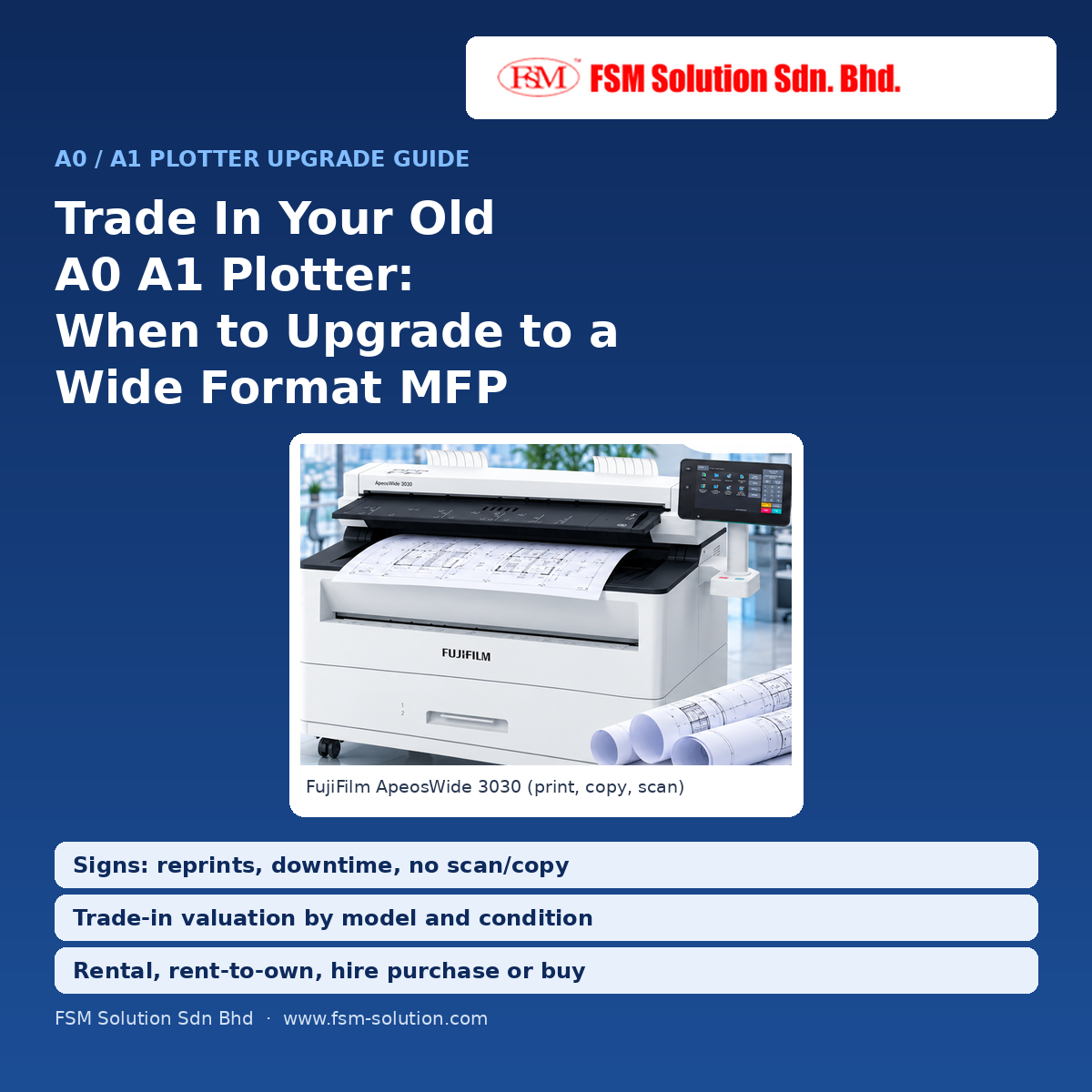
FSM Solution supplies options such as the FujiFilm ApeosWide 3030 / 6050 A1 A0 LED printer, with features depending on the model and configuration. Scan-to-email or scan-to-folder setup also depends on your site network and the selected model, so confirm it during the site assessment.
How the trade-in and upgrade process works
FSM Solution's trade in old A0 A1 plotter programme is designed to help offices move to a newer machine with less disruption. Working and non-working plotters may both be accepted for evaluation, and any trade-in value depends on the model and condition.
- WhatsApp the details of your current plotter: brand, model, page count and condition.
- Receive a trade-in valuation and a recommended wide format MFP based on your CAD printing volume and scanning needs.
- Choose a plan that suits your budget.
- Arrange delivery and setup, including driver installation and network printing, with scan configuration depending on your site.
- Have the old unit removed, scheduled to keep your work running with minimal interruption.
Choosing a plan: rental, rent-to-own, hire purchase or outright purchase
The right plan depends on your project duration and whether you prefer capital or operating expenditure.
Matching the plan to your office
- Pure rental suits project-based teams that want a predictable monthly cost without owning the machine.
- Rent-to-own helps growing design teams start with a lower commitment and own the machine after the agreed tenure.
- Hire purchase gives a fixed monthly instalment with ownership.
- Outright purchase suits buyers who prefer to own the machine from day one.
If you only need a machine for a project or busy period, you can also compare A1 A0 printer plotter rental options. Service scope, warranty, stock and pricing depend on the selected model and the confirmed quotation.
What to prepare before you request a valuation
- Your current plotter's brand, model, page count and condition
- The drawing sizes you print most: A1, A0 or both
- Your approximate monthly print, copy and scan volume
- Whether you need colour or mainly black and white line drawings
- Whether you need scan-to-email or scan-to-folder
- Your preferred plan and delivery location
Talk to FSM Solution about upgrading your plotter
FSM Solution serves customers through branches in Kuala Lumpur, Petaling Jaya, Penang, Kuantan, Kota Bharu and Kuala Terengganu. Send your current plotter details and drawing workflow, and our team can suggest a suitable upgrade plan. WhatsApp us at fsmsolution.wasap.my to get started.
Click here to start customizing